
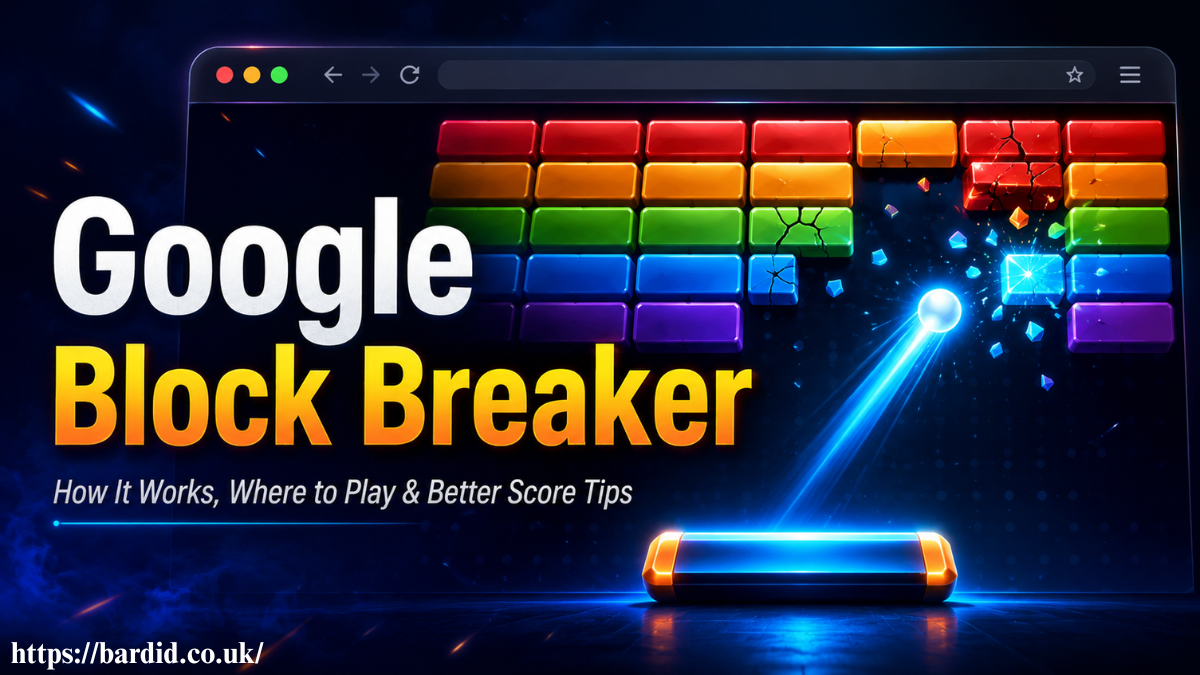
Google Block Breaker is a browser-based arcade game where you move a paddle, bounce a ball, and break blocks to score points. It is best for quick breaks, casual gaming, and players who enjoy the classic Atari Breakout style without downloading an app.
What Is Google Block Breaker in Simple Terms?
Google Block Breaker is a paddle and ball game inspired by classic brick breaker gameplay. You control a paddle at the bottom of the screen, keep the ball alive, and clear blocks at the top before you lose all your lives.
A browser arcade game is a game that runs directly inside a web browser without installation.
The reason Google Block Breaker keeps getting attention is its mix of nostalgia and instant access. It feels familiar if you played Atari Breakout or old arcade games, but it also fits modern habits because you can play it in short sessions on a desktop, tablet, or mobile.
Is Google Block Breaker an Official Google Game or an Easter Egg?
Google Block Breaker is connected to Google’s wider history of hidden games, Doodles, and playful search features. Some users find a playable Block Breaker experience through Google, while others use restored versions such as elgooG Atari Breakout when the main search result does not show the game in their region.
A Google Easter egg is a hidden or playful feature built into Google Search, Google Doodles, or another Google product.
Google Block Breaker, the older Atari Breakout, Google Images Easter egg, and third-party block breaker games. They share similar gameplay, but they are not always the same product or experience.
How to Play Google Block Breaker on Desktop or Mobile
To play Google Block Breaker, search for “Google Block Breaker” or “Block Breaker” in your browser and open the playable result when it appears. On a desktop, you usually move the paddle with your mouse or arrow keys. On mobile, you control the paddle with touch or swipe movement.
Search, Tap Play, Move the Paddle
Open Google Search, type Google Block Breaker, press Play when the game card appears, and move the paddle left or right to bounce the ball into the blocks.
In real use, the desktop version feels easier for precise movement because the mouse gives smoother paddle control. Mobile is still good for quick play, but your finger can sometimes cover part of the lower screen, which makes timing harder when the ball speeds up.
Google Block Breaker Controls, Rules, and Scoring Explained
The basic rule is simple: do not let the ball fall below the paddle. Each block you break adds to your score, and clearing more blocks helps you move forward. Some versions include power-ups, multi-ball moments, reinforced blocks, or faster levels as you progress.
Google Block Breaker controls are usually built around three actions: move, aim, and react.
Your paddle position changes the ball’s direction. If the ball hits the center of the paddle, it often travels in a safer, straighter path. If it hits the edge, it moves at a sharper angle, which can help you reach blocks near the sides.
What Makes Google Block Breaker Different From Atari Breakout?
Google Block Breaker feels like a modern version of the classic Breakout-style game. Atari Breakout is the older arcade inspiration, while Google-related versions add the fun of instant browser play, search discovery, and simple access across devices.
| Feature | Google Block Breaker | Atari Breakout | elgooG Atari Breakout |
| Main style | Modern browser arcade game | Classic arcade brick breaker | Restored Google-style Easter egg |
| Access | Browser or Google Search result | Arcade/history-based game | elgooG website |
| Best for | Quick casual play | Retro gaming fans | Users who miss the old Google Images version |
| Controls | Mouse, keyboard, or touch | Original arcade-style controls | Browser controls |
| 2026 value | Easy no-download gameplay | Gaming history | Nostalgia and preservation |
A comparison table helps search engines connect related entities and user decision points.
The biggest difference is intent. Someone searching for Google Block Breaker usually wants to play now. Someone searching for Atari Breakout may want history, nostalgia, or the older Google Images trick.
My First 10 Minutes Playing Google Block Breaker: What Stands Out
From what I’ve seen, the first few minutes are less about speed and more about learning how the ball reacts to the paddle. Most beginners chase the ball from side to side, but better players guide it by controlling the angle.
The strongest gameplay pattern is rhythm: watch the ball, move early, and avoid panic movements.
In a short session, Google Block Breaker works best as a quick reset between tasks. It does not need a login, a long tutorial, or a full gaming setup. That makes it useful for a work break, a school break, or a short mobile session while waiting.
Common Mistakes That Make You Lose Lives Fast
A common mistake is moving the paddle only after the ball is already near the bottom. By then, you are reacting late instead of preparing early. The better move is to track the ball’s path as soon as it bounces off the top or side wall.
Another mistake is chasing every power-up. Some power-ups help, but risky movement can make you miss the ball. If a bonus pulls your paddle away from the ball’s path, it is often better to ignore it.
A gameplay mistake becomes costly when it breaks your control rhythm.
Players also lose lives by hitting the ball too flat. Flat shots can repeat the same path and waste time. Angled shots are more useful when you need to clear side blocks or reach tight spaces.
Best Tips to Get a Higher Score Without Random Guessing
The best Google Block Breaker tips are simple: stay centered when the ball is fast, use paddle edges when you need sharper angles, and clear difficult blocks early before the speed increases.
For a real workflow, start each level by aiming for the upper corners. Once the ball gets behind a row of blocks, it can bounce around and clear several blocks without constant paddle contact. This gives you more points with less risk.
A high score strategy is a repeatable play pattern, not a lucky moment.
How Paddle Angles Help You Clear Hard Blocks Faster
Paddle angle control is the main skill behind better gameplay. Hitting the ball with the left edge sends it one way, while hitting it with the right edge sends it the other way. This lets you target blocks instead of waiting for random bounces.
In real use, edge shots are powerful but risky. Use them when the ball is slow or when you need to reach a specific section. When the ball is moving fast, safer center hits help you survive longer.
Power-Ups, Multi-Ball Moments, and When to Avoid Risky Moves
Power-ups can change the pace of Google Block Breaker. Multi-ball mode can clear blocks quickly, paddle extension gives you more room, and speed changes can make the game easier or harder depending on timing.
A power-up is useful only if collecting it does not cost you the ball.
Google Block Breaker vs BlockBreaker.io vs elgooG Atari Breakout
Google Block Breaker is best for users who want fast, simple play. BlockBreaker.io may suit players who want a dedicated block breaker site with more staged progression. elgooG Atari Breakout is best for people who want the restored Google Easter egg feeling.
The right version depends on whether you care more about access, nostalgia, or level depth.
If your goal is a quick, no-download game, Google Block Breaker is the easiest choice. If your goal is nostalgia, elgooG makes more sense. If you want longer gameplay, a standalone browser game may offer more levels and features.
What Most Guides Miss About Google Block Breaker in 2026
Most guides explain how to play, but they miss the bigger 2026 angle: Google Block Breaker is part of the return of lightweight browser gaming. Users want fast entertainment that does not need downloads, accounts, storage space, or heavy setup.
Why Browser Games Like Google Block Breaker Are Trending Again in 2026
Browser games are trending because they match how people use the web now. Users want quick access, low friction, and short sessions. Google Block Breaker fits that habit because it works as a quick break game, a boredom breaker, and a simple retro arcade experience.
A no-download game removes the biggest barrier between search intent and play.
Is Google Block Breaker Worth Playing?
Google Block Breaker is worth playing if you want a free online arcade game that starts quickly and feels familiar. It is not a deep competitive game, but it does not need to be. Its strength is simple fun, fast access, and easy replay value.
Best For Casual Players, Nostalgia Fans, and Short Breaks
Google Block Breaker is best for casual players, nostalgia fans, students, office workers, and anyone who wants a short browser-based game without installing anything.
A good decision section tells users who the product is for and who should skip it.
Skip it if you want advanced levels, deep customization, or a full mobile app experience. Play it if you want a clean paddle and ball game that gives you a quick hit of retro gaming without wasting time.
Conclusion
Google Block Breaker remains a fun, simple, and easy-to-access browser arcade game in 2026. It brings together Google Search discovery, Atari Breakout-style gameplay, mobile-friendly controls, and quick no-download play.
The best way to enjoy Google Block Breaker is to treat it as a skill-based short break game. Learn the paddle angles, avoid risky power-up chasing, stay calm when the ball speeds up, and use each round to improve your timing.
For most players, Google Block Breaker is worth playing because it does exactly what a good casual game should do: it starts fast, feels clear, rewards practice, and gives you a few minutes of focused fun.
You May Also Like Critical Thinking Exercises
FAQs
Is Google Block Breaker safe to play online?
Yes, Google Block Breaker is generally safe when you play it through Google or a trusted browser source. The hidden risk comes from copycat sites that may show aggressive ads, fake download buttons, or unrelated app prompts, so avoid any version that asks you to install files.
Should I avoid Google Block Breaker if I want the original Atari Breakout?
No, but you should know it is not always the same as the original Atari Breakout Easter egg. Google Block Breaker gives a similar paddle-and-ball experience, while elgooG-style versions are better if you specifically want the older Google Images nostalgia.
What happens if Google Block Breaker does not appear in Search?
If Google Block Breaker does not appear, it may be unavailable in your region, browser, or current Google Search layout. In that case, try a different browser, check the official Google game result, or use a trusted preserved version instead of clicking random gaming sites.
Can playing Google Block Breaker affect productivity long-term?
Yes, it can affect productivity if a quick break turns into repeated play sessions. Used with a time limit, it can work as a short mental reset, but without boundaries, it becomes another distraction loop during work or study.
Is Google Block Breaker worth playing in 2026?
Yes, Google Block Breaker is worth playing in 2026 if you want a fast, free, no-download arcade game. Avoid it if you expect deep levels, saved progress, competitive ranking, or a full app-style gaming experience.
